Become the preferred hotel of global companies
Join HRS and present your property to Fortune 500 companies worldwide. Get access to 3,000+ corporate programs with 180 million room nights sourced per year. For all segments—from transient, to longstays, group travel and meetings.







Benefits
Why partner with HRS
Wondering why you should join us? Let us help you to grow your revenue, fast.

Get booked by global corporates
Connect instantly with Global F500 companies through our technology. Gain visibility across corporate travel programs worldwide—from transient stays to meetings, longstay, and group segments.

Stand out with sustainability
Boost your exposure to top corporate buyers through the ISO-certified Green Stay program. Share Verifiable sustainability data and position your hotel as a preferred partner in global RFPs.
Win with seamless payments
Offer payment with all virtual credit cards and the automated invoicing that corporate travelers expect. Automatically, across 220 countries. Get more bookings and a higher guest satisfaction score.
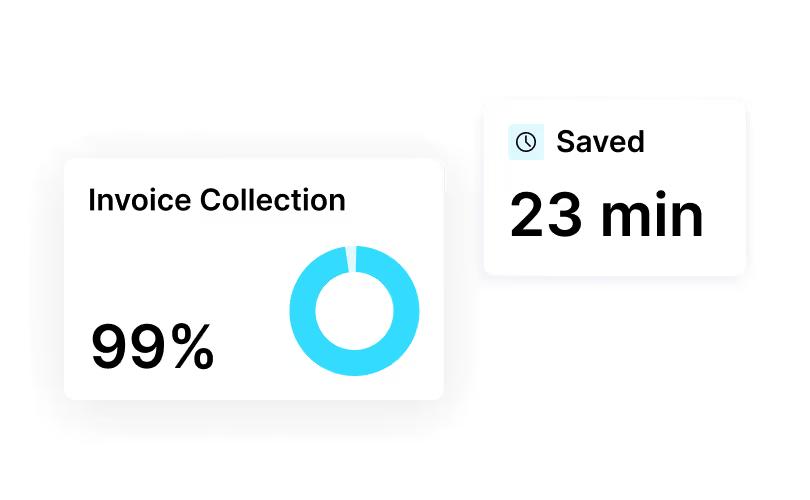

Gain performance insights
See how your property performs in comparison to others within global RFPs. Receive actionable insights to improve your acceptance and confirmation rates.
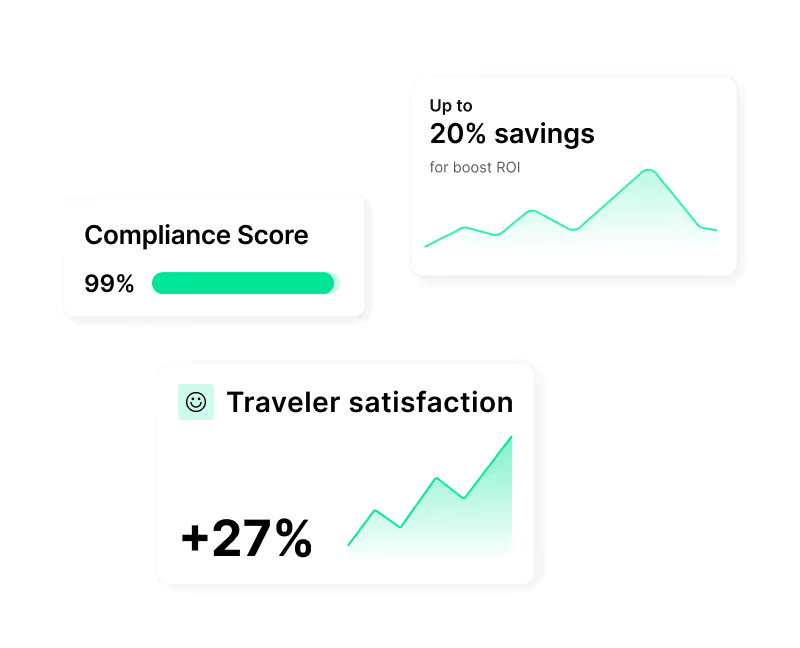
4 ways to maximize your revenue
Find out here, how you can work with HRS to gain access to corporate bookings through our global network.

Participate in RFPs
Get your hotel listed in corporate programs. Join yearly RFPs with big-name companies. Secure long-term rate agreements and win more volume based on price, quality, guest satisfaction, and sustainability.

Join the Corporate Club
Reach more business travelers for your lodging and meeting spaces. Your hotel appears in major booking tools like SAP Concur and Cytric—the Corporate Club helps you fill your rooms faster. Click Here

Collaborate on meetings
Showcase your meeting spaces to global corporates through HRS Connect. Upload your data once, and our AI ensures full visibility across corporate sourcing and booking tools—for faster, smarter meeting bookings.

Offer sustainable stays
Green Stay puts your hotel on the radar of companies with clear sustainability goals – helping you stand out share data on emissions and help large brands to meet their Net Zero goals by staying with you.
What hotels need to provide
Ready to become a partner? To join HRS, your hotel needs to meet these requirements.

Show corporate compliance
Meet all legal, safety, and data-security standards required by global corporate clients—including duty of care, rate integrity, and GDPR compliance. This way your property is ready for enterprise travel programs.

Deliver availability & rates
Provide real-time availability, load negotiated corporate rates, and keep all systems synchronized. Ensure rate parity and dynamic updates to give travelers a consistent, reliable booking experience across every channel.
Add sustainability information
Share verifiable sustainability data through the Green Stay platform and aim for stronger sustainability performance compared with peers. This increases visibility in corporate RFPs and helps your property align with clients’ ESG and reporting goals.

Allow payments & invoicing
Accept virtual credit cards or bank transfers and deliver digital, e-invoice-ready billing data. Ensure your payment process complies with local tax laws and HRS Pay standards for a smooth financial workflow.
Partner enablement
How HRS supports hotels

Knowledge hub
Access training, FAQs, guides, and tutorials that help your property succeed with corporates.
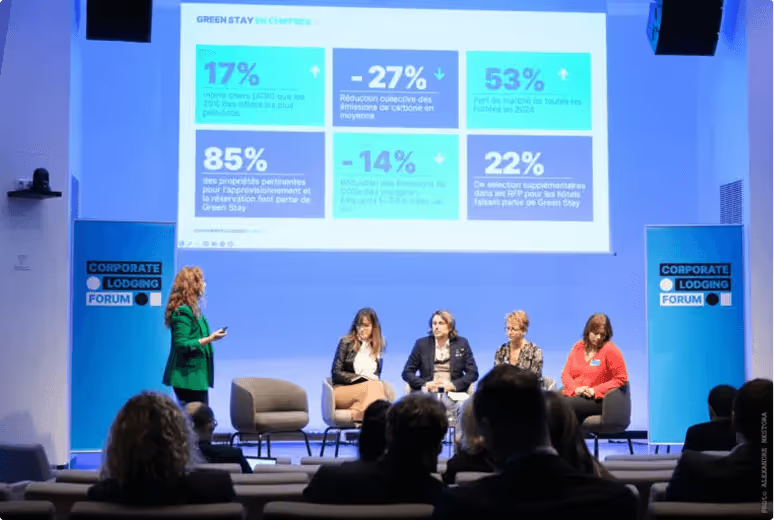
Insights analytics
Track your status, compare results with other hotels, and use these insights to win deals.

Dedicated support
Receive personal guidance from our team — from setup to performance optimization.

Events
Connect with industry leaders at our annual Corporate Lodging Partner Summit in Germany, and at regional events around the globe. Network with peers, learn best practices, and discover new ways to grow your corporate business.

Ready to grow your hotel revenue with HRS?
Get your venue in front of the world’s largest corporate buyers. Partnering with HRS means you show up in 3,000+ corporate travel programs with over 180 million sourced room nights per year. When you’re part of the HRS ecosystem, you don’t just join a platform — you enter a global community of trusted suppliers for the Fortune 500.

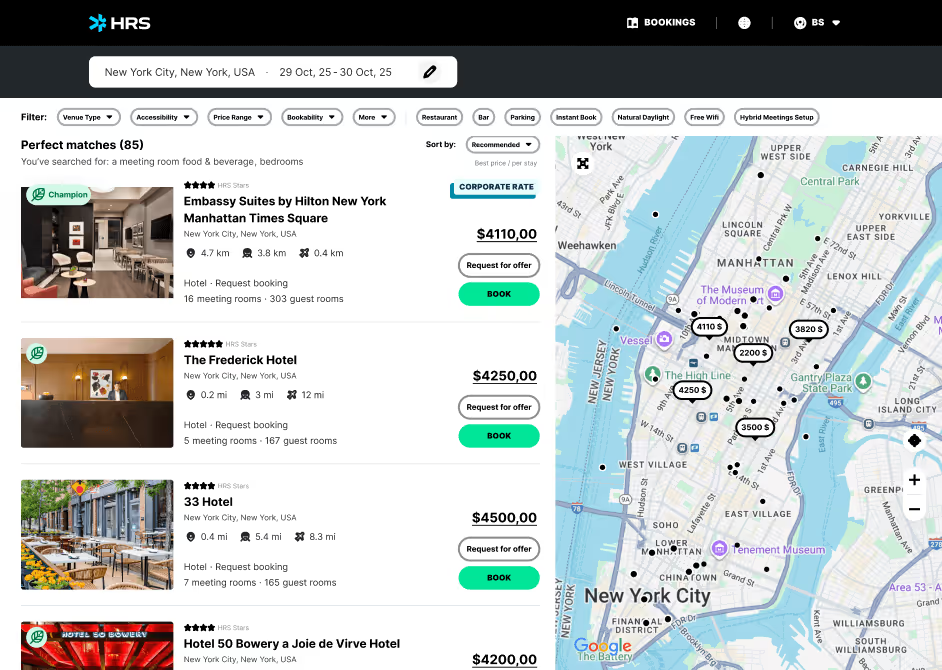




Success stories
Why leading enterprises work with us
See how HRS is transforming travel for the world's largest companies.
Driving Sustainable Innovation in Business Travel: Siemens x HRS
Siemens is reshaping its global travel program through digital transformation, sustainability, and strategic partnership with HRS. In this interview, Elisa Amerio shares how Siemens standardized tools, integrated smart technology, and prioritized eco-certified hotels to boost efficiency, traveler satisfaction, and cost transparency.

Data-Driven Transformation: How PwC Italy Reached 91% Online Adoption
PwC Italy overhauled its fragmented hotel booking process by partnering with HRS to build a structured, automated, and insight-based travel ecosystem. The initiative achieved 91% online adoption, streamlined compliance, and delivered measurable savings through data-driven transformation.
.avif)
The Road to Net Zero
Deutsche Telekom partnered with HRS to build a more efficient and sustainable lodging program. Using HRS’ digital platform and Green Stay Initiative, the company achieved a 31% reduction in CO₂ emissions per room night, 45% cost avoidance, and 95% online adoption. With clear goals to cut CO₂ emissions by 55% by 2030 and reach net zero by 2040, Deutsche Telekom continues advancing sustainable corporate travel.
.avif)
How Ferrero centralized its global hotel program
Learn how Ferrero partnered with HRS and SAP Concur to centralize its global hotel program, improving governance, data quality, spend visibility and traveler satisfaction while reducing hotel costs.

How Deutsche Bahn Achieved Up to 90% Time Savings with Digital Crew & Passenger Management
Deutsche Bahn transformed legacy, manual crew and passenger operations by deploying an end-to-end digital platform — achieving up to 90% time savings, 93% process cost reduction, and significantly improving service during disruptions

Costa Cruises’ Strategic Digital Transformation
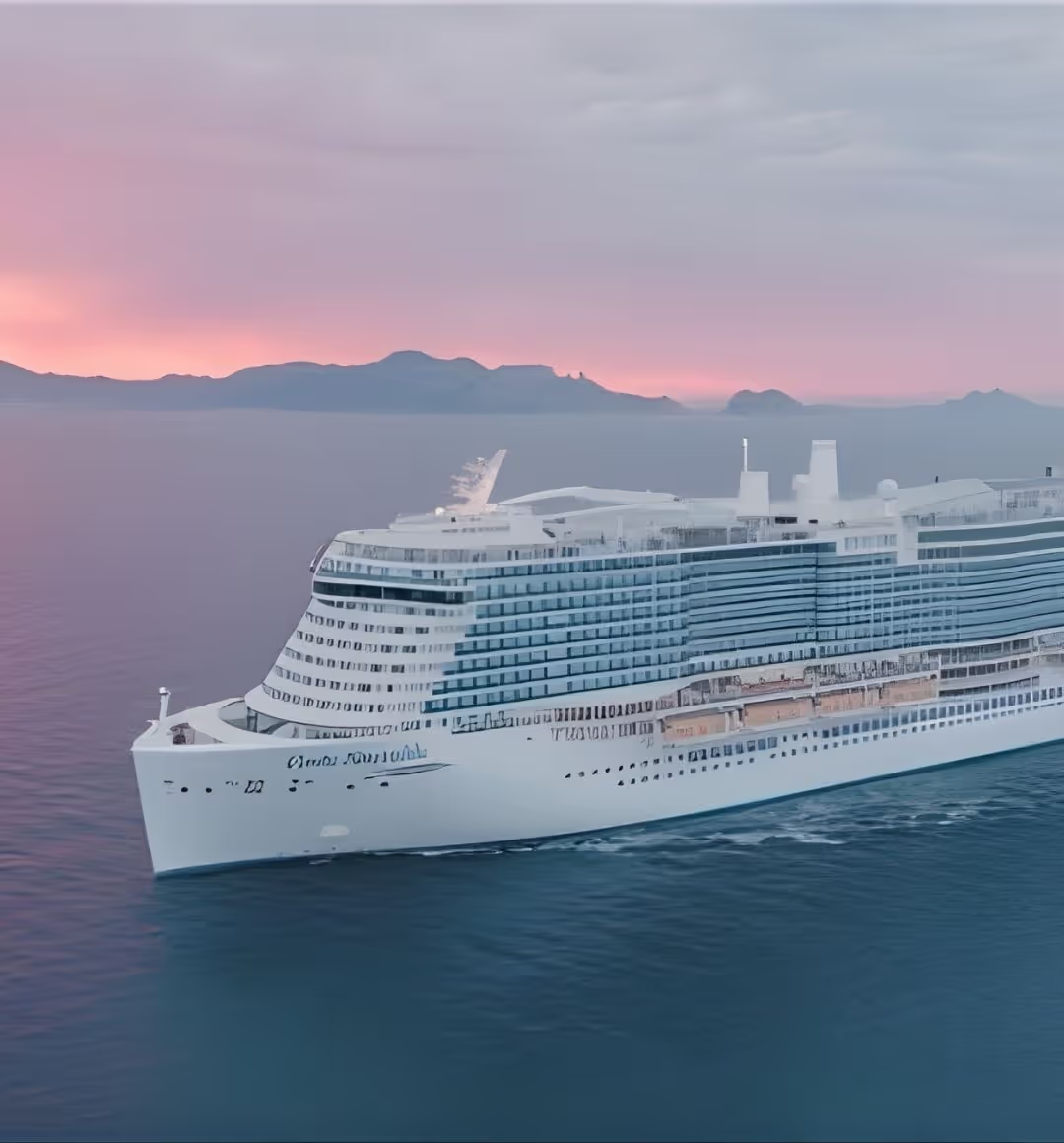
Costa Cruises partnered with HRS to automate crew logistics, driving efficiency, savings and crew satisfaction. With HRS Crew, Costa achieved 15% procurement savings, 90% automated bookings, 99% VCC acceptance and 100% online, accurate invoicing.
FAQs
All your questions, answered.
How can I update rates and manage availability in the portal?
Click on “Hotel-Self Administration Tool – HSA” and “Rates + Availability”. Click on the calendar to add or edit rates. Enter the rate validity and it will immediately be applied. If you would like to close availability, click on the number of rooms in green, select the dates and click on “Close-out period”. If you’d like to open availability, see below “Open or reopen availability”.
What is HRS and how is it different from other booking platforms and OTAs?
HRS connects hotels with enterprise travel programs. We focus on negotiated corporate demand, compliant payments (incl. VCC), and end-to-end automation (booking → payment → invoice → expense). HRS also covers multiple segments beyond transient including longstay, meetings and groups.
How can I view, amend, or delete bookings in the Booking Overview section?
Click on “Bookings” and “Booking Overview”. Search by arrival period, booking date, or booking number.
- Upcoming reservation: click the eye icon to amend
- After arrival date: pencil to amend or trash to delete
Does HRS handle meetings and group requests?
Yes. With HRS Connect you can offer also your Meeting rooms and group offers along with your transient and longstay rates. Keep your meeting spaces, capacities, and services current to receive RFPs. Respond promptly to improve win rate.
Is the portal PCI-compliant? How is card data handled?
Yes. Card details are tokenized and visible only to authorized users. Never store or share card data outside the secure view.
How do I become an HRS hotel partner?
Submit a partner request. Our team will assess the business potential and the best suited connection.
How do I set up or manage blackout dates in the portal?
Click on “Self-Administration Tool – HSA” and “Close Out Dates” to see and manage the calendar. Click on the day you would like to manage and fill out the required fields.
How do I cancel or modify a booking after it has been created?
Changes or cancellations (in case of no show) are possible the next following day after arrival and by the end of the month of departure date (e.g., check-out on 22nd December → changes/cancellation possible until 31st December).
HSP steps: Booking Overview → “Your bookings at a glance” → search by process number or arrival date → use trashcan to cancel entire booking or pencil to modify nights/details.
What is the HRS Green Stay Initiative?
A standardized, ISO-certified method to collect and score hotel sustainability data—helping buyers choose lower-emission, compliant options and rewarding higher-performing properties.
Is traveler data processed under GDPR?
Yes. HRS processes personal data under applicable laws and provides data processing terms as part of contracting.
How do I log in to the Hotel Service Portal (HSP) and what credentials are needed?
Please visit the Hotel Service Portal: https://hotelservice.hrs.com/portal/ , log in with your HRS hotel number, password and your username (name or initials of the person who log in).
Hotel number: xxxxx
Password: xxxx
Username: (name or initials of the person who logs in)
For any further questions please do not hesitate to contact us (see “contact” at the bottom of the page).
How can I retrieve a guest’s contact details if BookView does not display them?
HSP → Booking Overview → Bookings → search reservation → click the speech bubble icon → choose a reason and send a message. If the message fails (red icon), contact our call center. Note: Check Booking Overview regularly; there is no separate email notification. When a traveler replies, the speech bubble turns green.
How do I open or reopen availability for specific dates or room types in the portal?
- Log in at https://hotelservice.hrs.com/portal
- Select Hotel Self-Administration
- Go to “Availability”
- Select dates to open
- Set inventory per room type
- Save changes
How do I join and what data is needed?
Provide energy, water, waste metrics, and certifications (where available). Chain-level uploads are supported; Learn more here.
How can I improve my ranking and conversion?
Keep content and photos fresh, open availability on key business dates, maintain rate integrity, offer clear inclusions (Wi-Fi, breakfast), and respond quickly to messages/RFPs. Aspects like Green Stay Data and Payment compliance along with the mentioned factor are aggregated into a Supplier Performance Score that helps decision makers and the platform algorithms to rank your property higher.
Can I create additional user accounts or limit permissions (e.g., credit card access)?
Yes. Ask your General Manager or portal administrator to add users and set permissions. Credit card viewing rights must be explicitly granted by the PCI Administrator which is usually the General Manager.
Who can access credit card information, and how can I retrieve guest card details securely?
Only users defined by the General Manager with permission to access credit card details can view them. Payment instructions are included in the booking confirmation if required. HSP → Booking Overview → search reservation → eye/pencil → view card data.
How can I change or update the cancellation conditions for my rates?
Click on “HSA – Hotel Self Administration”, you will see the overview “Rates and Availabilities”. Select the rates in the calendar you would like to change, and select the date (or multiple dates from-to) you would like to change. Change the rate type to TRADE FAIR RATE. If you have already entered blocked dates, please retain the “keep existing close out dates in this period.” Please select the valid dates and the possible arrival days and define the minimum stay duration (bookable for single nights or minimum stay of XXX nights). In the lower part of the overview please select your preferred cancellation policy. In case you use the service of a channel manager, please inform your channel manager that you have changed the rate type so the mapping can be updated.
Do I get analytics or reporting?
Yes — we perform potential assessments and support hotels actively in positioning them in the corporate marketplace. In addition, properties can also be listed on hrs.de for distribution in the DACH region.
How can I update or edit my hotel information and description in the portal?
Access the Hotel Service Portal and click on “Hotel Data” and “Hotel Data Maintenance”. Click on each block to complete the required information of the 9 building blocks. The hotel description can be entered on block #2 (General Hotel Information) “Style of hotel and ambience” and other items can be added on “Special features of your hotel”. Once you have defined the “The hotel location, surroundings and attractions” and “Style of hotel and ambience” they can only be changed by filling the “Change request” form (link available in the tool) and sending it via email to hotel-descriptions@hrs.com. Our team will check and update if approved.
How can I ensure bookings are guaranteed with valid credit card information?
The rate types that allow you to choose to only receive guaranteed bookings with credit card information are “Trade Fair Rate” and “Weekend Rate”. Login to HSA → “Rates and Availabilities” → open the calendar next to the rate → change the rate type to TRADE FAIR RATE → go to “Type of Reservation” → select “Guaranteed bookings with credit card only” → Save.
Note: If you have already entered blackout dates, check “keep existing closeout dates in this period” and complete all required fields.
What should I do if a guest’s credit card is invalid or the details are incorrect?
Use the Chat icon in Booking Overview to contact the guest. Guests have 48 hours to update card info.
Need help fast?
- Booking/payment issues: use Booking Overview message or contact our call center
- Rate loading issues: ratecomplaint@hrs.com
- Descriptions: hotel-descriptions@hrs.com
- Photos: photo@hrs.com
- Invoices/collections: collection@hrs.com
- Cancellations (after outreach attempt): cancel@hrs.com
- General support: contracting@hrs.com
- Hotlines: find your local contacts here
How do I upload, change, or manage photos for my hotel listing?
Click on “Hotel Data” and “Photo Service”. Click on “Upload new image” to get started – follow the image guidelines to upload them successfully and choose the area it belongs to. The system will automatically adjust it for better visibility in different formats. You can upload up to 50 photos.
NOTE: The main picture can only be selected after the pictures have been checked and approved. Once they are approved, click on “Edit”, select “Use as hotel list image (new hrs.com)” and click on “Save”.
NOTE: Changes will only be visible in the next business day.
How can I view, manage, or load negotiated corporate rates (NCR/CCR)?
You can check the corporate negotiated rates by clicking on “Hotel Self-Administration tool – HSA”, “Rates + Availability”, hover over “Corporate Rates” and click on “Overview of Corporate Rates”. If you have any issues, contact ratecomplaint@hrs.com. If your hotel manages rates via GDS or CRS our Rate Loading Team will send instructions for you to follow in order to make your corporate negotiated rates available.
What is the process for cancelling a booking and notifying the guest?
If pre-authorization fails, inform the guest via the portal. They have 48 hours to update details. HRS will not accept a cancellation without prior contact. If no response in 48 hours, send a cancellation request to cancel@hrs.com.
Where can I view or check the loaded conditions for NCR (Negotiated Corporate Rates) and CCR (Corporate Club Rates)?
Select the “Self-Administration Tool – HSA” and “Corporate Rates”. Click now on “Overview of Corporate Rates” for NCR or on “Corporate Club Rate” for CCR. Here you find all the loaded conditions for your NCR/CCR.
How should I handle a no-show, especially when a booking was guaranteed by credit card?
Check payment info in advance. Unrealized reservations cannot be canceled. If payment was processed directly at the hotel, amend the booking in case of no-shows.
HSP → Bookings → Booking Overview → open reservation (eye/pencil) or delete (trash). You can also correct the invoice in the Online Invoice Portal within 7 days.
How can I change or update the main picture for my hotel listing?
To select a new main picture for your hotel, please log into “Photoservice” as follows: Choose “Hotel Data” in the HRS Extranet and select “Photoservice”. Click on the “Edit” button on the right side of the respective photo, an overview will appear immediately. Select “Use as hotel list image” and save the amendment. The new photo will be displayed online as main picture within 48 hours. In case of any issue, please contact photo@hrs.com.
How can I add, edit, or remove room categories in the portal?
Click on “Hotel-Self Administration Tool – HSA” and “Room Categories”. Click on “Enter new additional room category”, fill out the required information and click “Save”.
How does rate integrity work at HRS?
HRS compares booked rates against your loaded corporate rate conditions to flag discrepancies, helping you maintain parity and contractual compliance.
How can I access, edit, or correct invoices in the Online Invoice Portal?
There is a separate area of the HSA website only related to invoices called the Online Invoice Portal. To access it, contact collection@hrs.com for a separate login/password.
Go to Accounting → enter email & password → Dashboard to view/pay open invoices → Details to amend → PDF to download. You have 7 days to correct an invoice from the time it is added to the portal.
What are the steps to add a new room category, and what should I consider when doing so?
- Log in at www.hrs.com/hotelservice
- Select the Hotel Self-Administration application
- Click “Additional Categories” → “Add New Additional Category”
- Choose the category and set surcharges
- Decide whether to manage availability separately or link to standard
- If using a channel manager, coordinate mapping
Remember: You can set up max. three additional categories with independent availability (budget category excluded).
For details, see the user manual.
How can I select, connect, or remove a channel manager in the Hotel Service Portal?
Click on “Self-Administration Tool – HSA” and “Channel Manager”. Find your channel manager on the list and click the pencil to select it (accept participation conditions). To remove, click the trash icon and “Revoke”.
What should I do if I need to correct an invoice after the deadline has passed?
Please contact collection@hrs.com.
How do I set up breakfast options and indicate whether breakfast is included or excluded from the rate?
Click on “Hotel-Self Administration Tool – HSA”, “Other Prices” and “Breakfast”. Click on “Add Breakfast Type” and fill out the mandatory fields. You will be able to select if the breakfast is included or excluded based on different rates when you set up your rates. If breakfast is not included in the rate and the payment information was collected and processed directly at the hotel, you must amend the booking to reflect if the guest had breakfast or not. After the check-in date, click on “Booking”, “Booking Overview” and find the reservation. Click on the “coffee cup” icon, leave it in green if the guest had breakfast and red if not. You can also choose to do it directly in your invoice via the Online Invoice Portal (check the “Invoice” section below). You will have 7 days to correct the invoice from the time it is added to the portal.
Do updates sync automatically if I use a Channel Manager/CRS/GDS?
Yes. Once mapping is live, your rates/availability flow from your system. Coordinate any rate-type or category changes with your Channel Manager/CRS provider.
What steps should I take if I receive a payment reminder but never received the original invoice?
Please contact collection@hrs.com.
How do I configure and update tax information for my hotel?
Click on “Hotel-Self Administration Tool – HSA”, “Rates + Availability” and “Taxes”. Click on “Add Tax Configuration”, select a tax from the dropdown and enter the information regarding the amount or percentage that applies to every case and click “Save”.
What is TripLink and how does it affect my hotel?
TripLink captures out-of-channel corporate bookings and syncs them back to the program—keeping traveler profiles, itineraries and spend in one view for compliance and duty-of-care.
Does HRS support Virtual Credit Cards (VCC)?
Yes. For eligible bookings you’ll receive a single-use VCC with authorized amount and validity window. Charge included items only; extras require traveler approval or a separate method.